
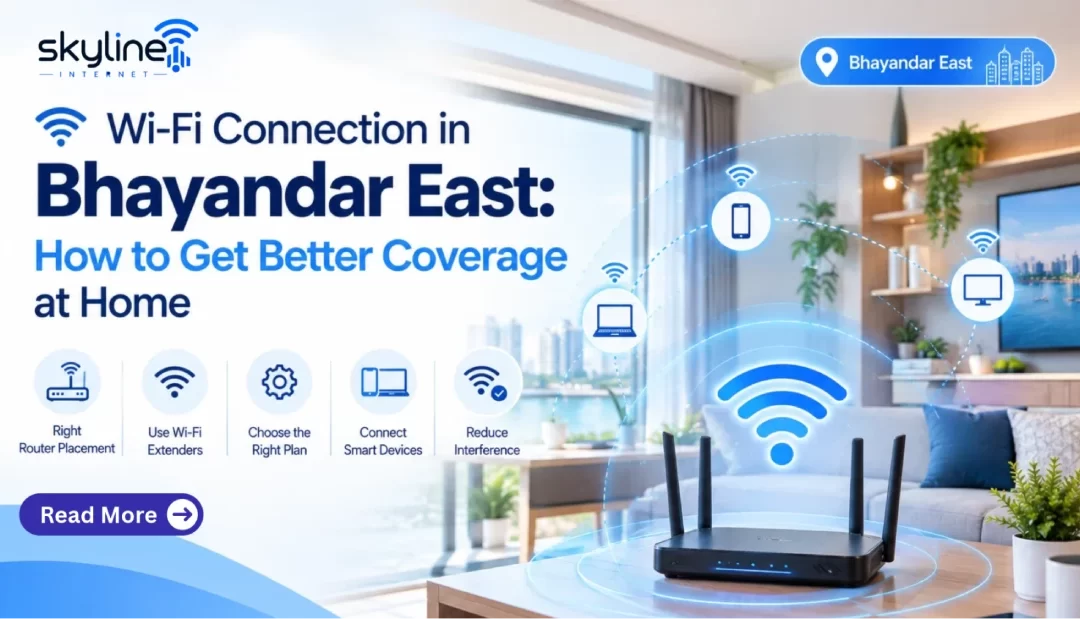
A solid home internet base, supported by a suitable Wi-Fi Connection in Bhayandar East, supports a family’s online class attendance, remote work, entertainment streaming and management of smart devices. But that is only one element of the experience. The connection technology, router placement and home layout also play a role.
If you are a resident of wifi connection in Bhayandar East, looking for a wireless network connection pay attention to these as they will help you in your choice of service and getting the most out of your connection.
Broadband and Wi-Fi Are Not the Same
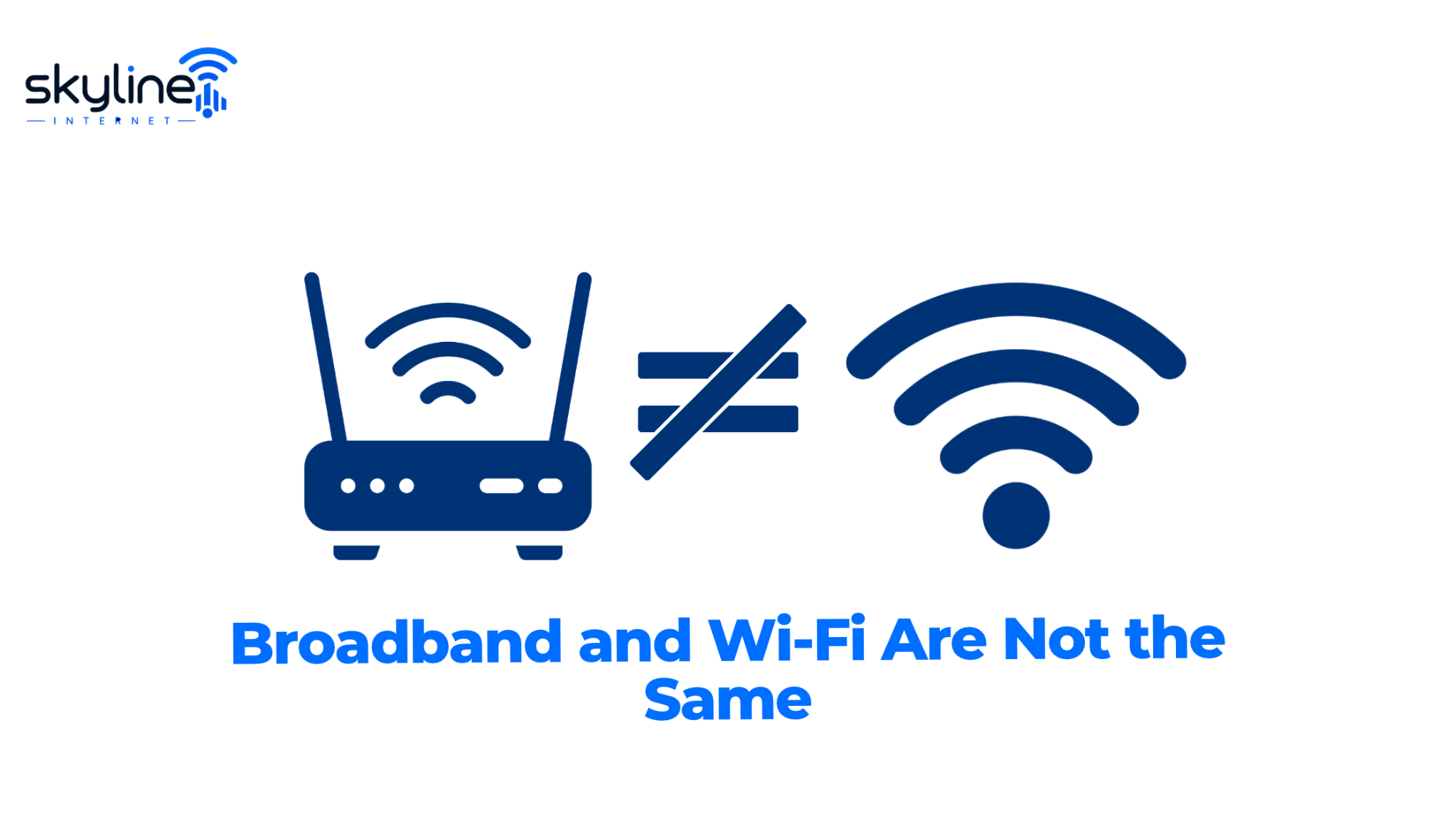
Broadband is an internet service which is provided to your premise. Wi-Fi is a wireless technology that enables your devices to connect to your router without physical cables.
This is what you should note when you are tracking down a slow connection. If your Internet is fast on a machine which is wired in via Ethernet but slow on a phone in a different room the issue may be that the wireless is up to par instead of the broadband which is at home.
For a great set up you will need a proper internet plan and also an efficient home network.
1. Consider Fibre Internet for Your Home
Fiber technology uses light waves to transmit data which also supports high speed internet access. What you get out of it depends on the provider’s network, the package you choose, the equipment you use and the connection conditions.
For families that have many users in the home, we may look at fiber based services which support video conferencing, large downloads, online gaming and streaming when the service plan has enough capacity.
If you are looking into fiber internet in Bhayandar East, check out that fiber infrastructure is present at your building first. Also ask which connection technology will be used and if the provided package includes all the necessary equipment.
2. Choose a Plan That Matches Your Devices
Identify what devices are frequent users of your home network. This may include smartphones, laptops, televisions, tablets, gaming consoles and smart home devices.
Then think about what these devices do online. For example frequent video calls and high resolution streams use more bandwidth than a little bit of browsing.
Choose which package based on typical peak use, not the number of people in the home. If your needs change, ask the provider if it is possible to upgrade to a different package.
3. Position Your Router Correctly
Router placement is a key element in Wi-Fi coverage. A router which is put inside a cabinet or behind large pieces of furniture may not perform well.
For better coverage:
- Put the router in an open and fairly central location.
- Keep it out of enclosed cupboards and large scale obstacles.
- Avoid placing it near devices that cause interference.
- Put it in a spot where the signal reaches the most used rooms.
- Place it where the signal can be received in the rooms you use the most.
- Follow what the manufacturer says for ventilation and placement.
If your home has multiple floors, thick walls or distant rooms, one router may not provide equally strong coverage everywhere for your Wi-Fi Connection in Bhayandar East.
4. Understand Wi-Fi Bands and Equipment
Today many of the modern routers support both 2.4 GHz and 5 GHz Wi-Fi bands. In the case of 2.4 GHz it usually goes much further, outperforms 5 GHz which in turn provides greater speed over short distances when the environment is right.
The performance of a best band depends on the device, distance and obstacles between the router and the user. Also today’s routers may put forth newer Wi-Fi standards but at the same time compatibility with your devices is key.
For your Wi-Fi Connection in Bhayandar East, do you have the right router included with your broadband plan for the size of your home and the number of connected devices? If you buy your equipment from a third party, check that it is compatible with the service.
5. Know When You Need a Mesh System
A mesh Wi-Fi which is made up of many coordinated access points that extend wireless coverage over a property. It is also useful in large apartments, multi storey homes or when the router doesn’t reach all the rooms well.
Also, what we see is that extra equipment isn’t always required. First out and see what happens close to the router and which areas have drop in performance. This is to determine if the issue is with the broadband service, Wi-Fi interference or weak coverage.
6. Secure Your Home Network
To secure your Wi-Fi Connection in Bhayandar East, use strong, unique Wi-Fi passwords and enable the latest security options your router provides. Change the admin login and passwords from the factory defaults, keep your router’s software up to date and remove unused devices from the network.
A secure network helps prevent unauthorized access and protects connected devices.
Check Availability With Skyline Net
Looking for a wifi connection in Bhayandar East? Get in touch with Skyline Net to see what we have at your address, which broadband services we provide and the available packages. Tell us your home size and also your usage that way our team will be able to put forward the best options for you.
Final Thoughts
A strong home network is put together with the right broadband service, proper equipment and smart router placement. Before you choose a service check local availability, compare plans which are available and see what coverage your home requires.
Visit Skyline Net online to get info on broadband service for your home Wi-Fi Connection in Bhayandar East.
Reference Links
- Wi-Fi technology and standards information.— https://www.wi-fi.org/
- internet networking and performance concepts — https://www.cloudflare.com/learning/
- cybersecurity guidance for connected devices — .https://www.cert-in.org.in/